You add your products.Fletio keeps count.
What you have, what moved and what is running out, on your phone and in front of the shelf. For a restaurant pantry, a tire shop rack or a coffee bar. Each movement is logged in seconds, from your phone.
Stock card
Croissant
- On hand
- 23 pz
- Minimum
- 8 pz
- Margin
- 67 %
- Cost
- MX$10.00
- Price
- MX$30.00
| Date | Item | In | Out | Balance |
|---|---|---|---|---|
| Balance forward | 7 | |||
| 17 Oct | Sale | 1 | 6 | |
| 17 Oct | Sale | 1 | 5 | |
| 17 Oct | Sale | 1 | 4 | |
| 18 Oct | Sale | 1 | 3 | |
| 18 Oct | Sale | 1 | 2 | |
| 18 Oct | Sale | 1 | 1 | |
| 19 Oct | Purchase | 23 | 24 | |
| 19 Oct | Sale | 1 | 23 |
Four buttons, always at hand
They are the verbs of your business and keep the same name everywhere.
- Stock in
- Goods arrived or a customer returned something. Find the product or scan its code, enter the quantity and save.
- Stock out
- Waste, internal use or transfer. The reason is kept, so you know where every unit went.
- Sell
- Tap the products, record whether you were paid in cash, transfer or card, and stock drops at the same moment. The receipt comes out as a PDF.
- Count
- Your weekly count without a notebook: walk the shelf with plus and minus, and when you close it you see the differences against the system.
How it looks on your phone
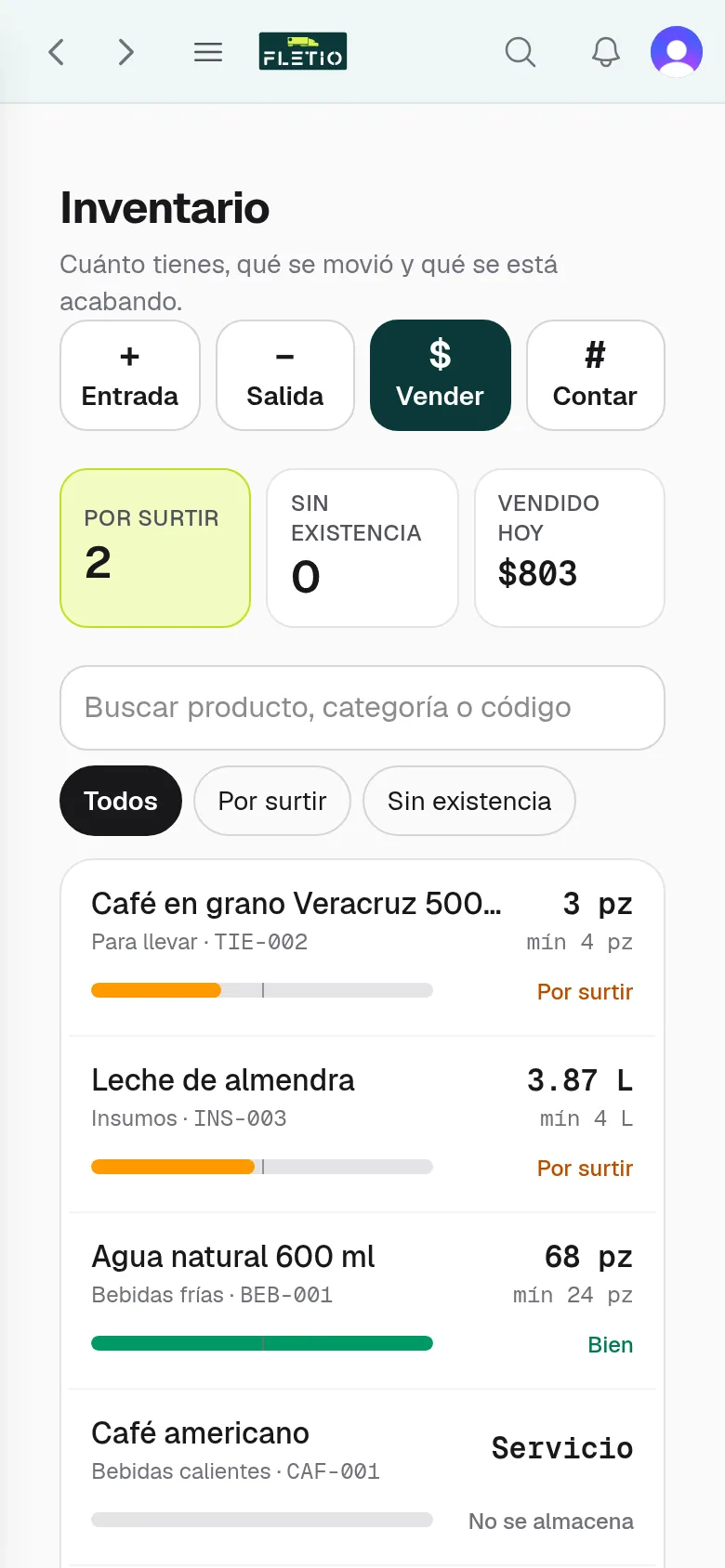
Your products
Each product with its bar against the minimum: what is running out stands out.
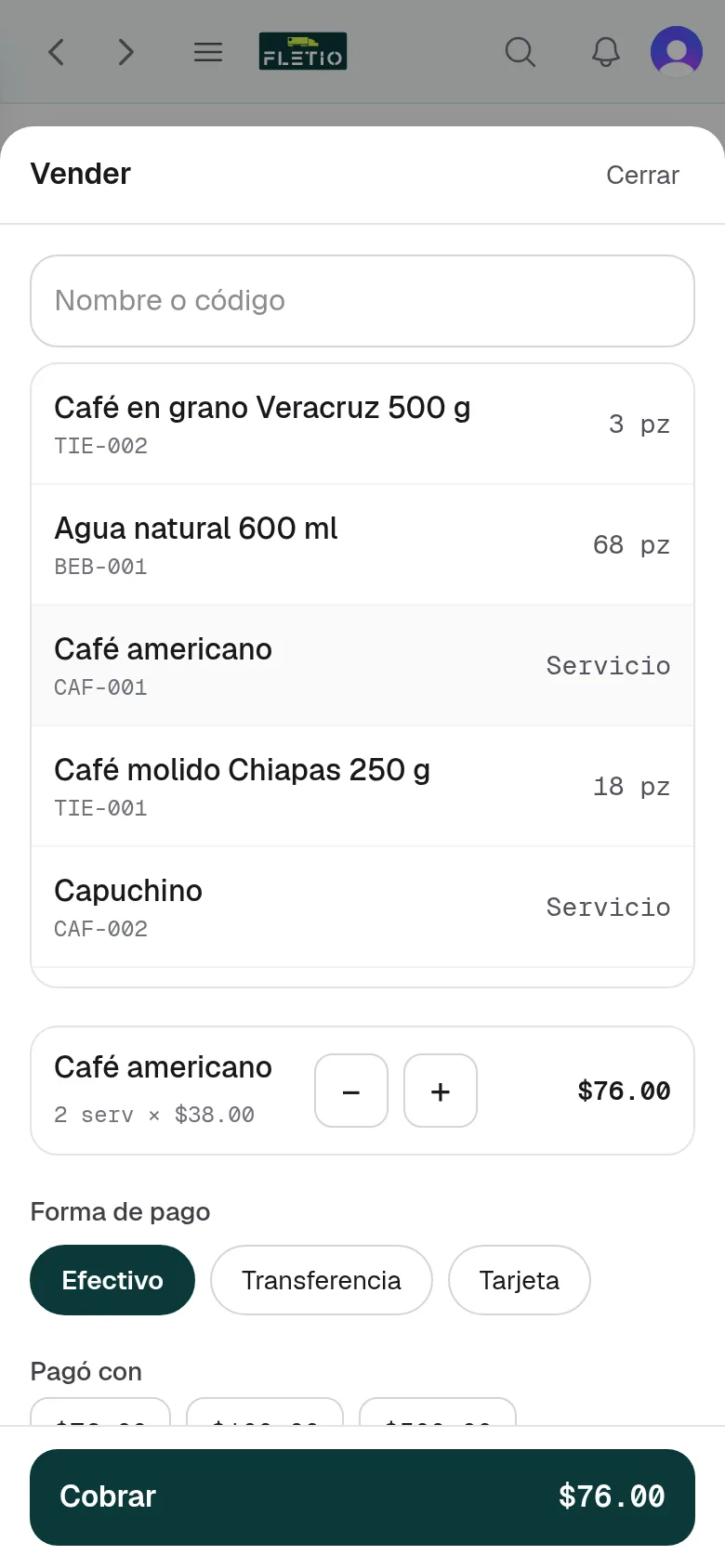
Sell
A tap-to-add cart, the total and the payment method.
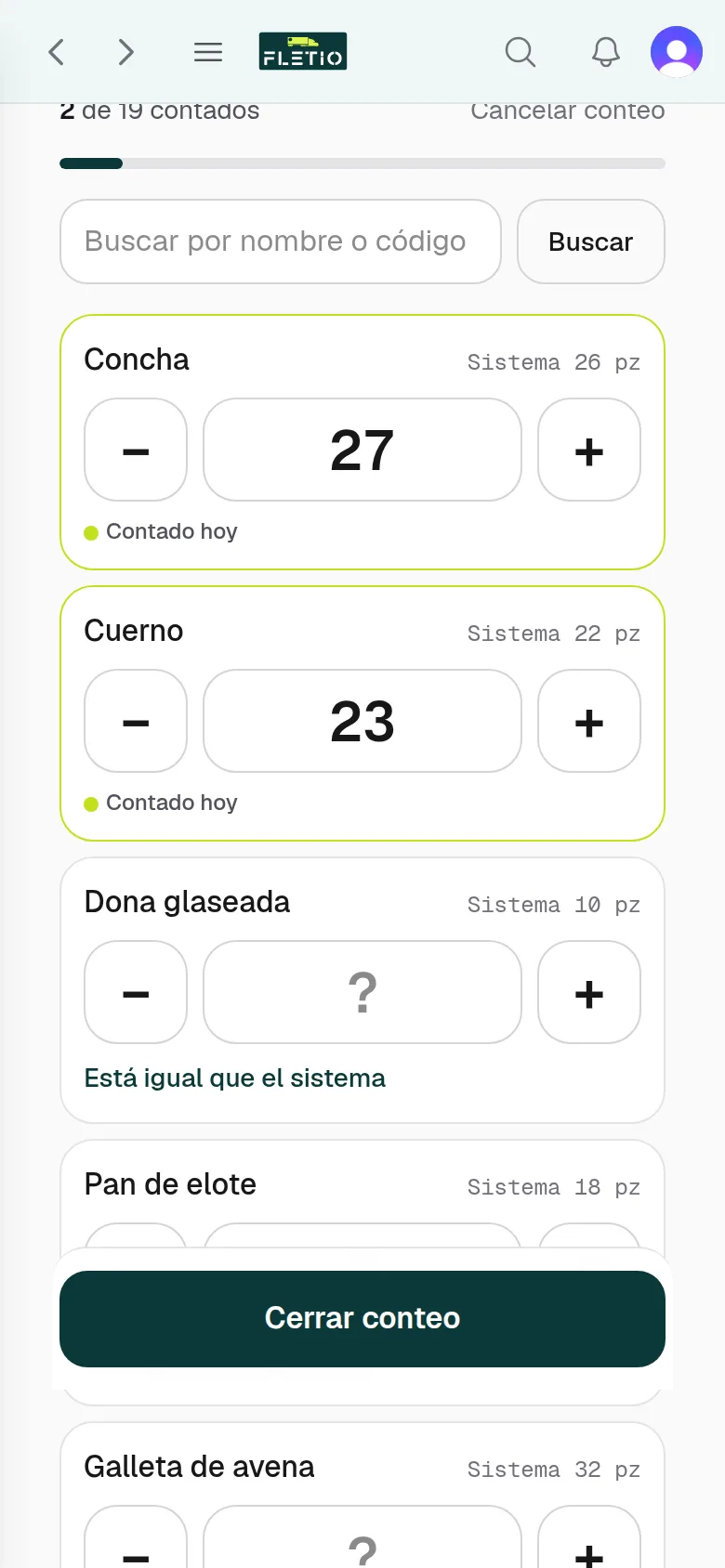
Count
Big plus and minus buttons, in your shelf order.
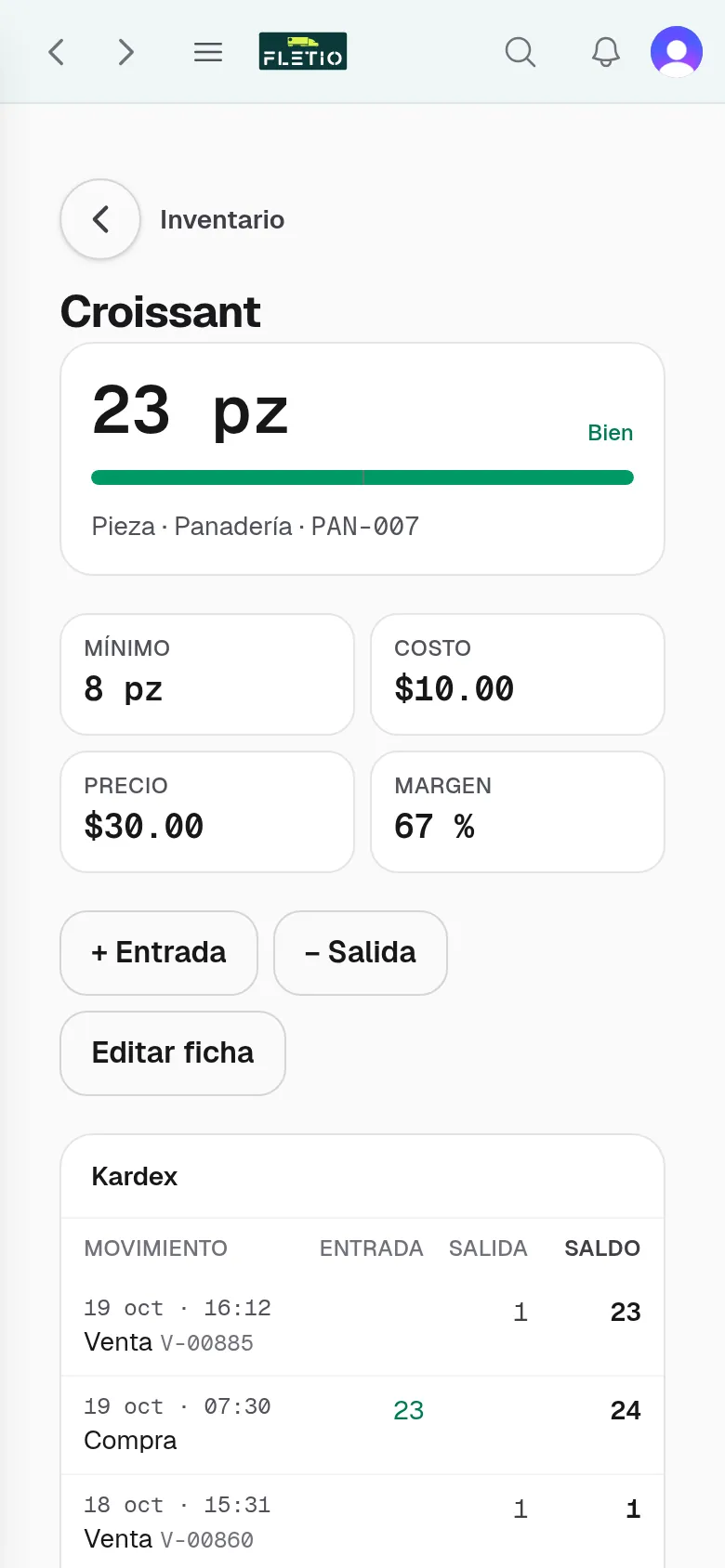
The stock card
Date, item, in, out and balance for every product.
Counting is what gets used most
Owners count their shelf every week. Here you do it with your thumb: the system shows in small type what it thinks is there, you count what is really there, and closing the count records the differences as adjustments with their reason. Next time you know which product goes missing.
What else it already does
End-of-day report
Sales by payment method, products sold and margin. Closing the day produces the report as a PDF.
Your list from Excel
Download the template, fill in your products and stock, review errors line by line and upload it yourself.
Restock
Each product has a minimum. Whatever drops below it shows up first, without searching.
Your team
You and your staff sign in; every movement shows who made it and when. Cost and margin are visible only to the owner and admins.
Your products are yours
You add your products and your stock. Fletio stores and counts; it does not review or sell what you sell. When you start, you confirm that what you register is legal to sell in Mexico.
Read the TermsFrequently asked questions
Do I need training?
Very little. There are four buttons: Stock in, Stock out, Sell and Count. If you can fill in a stock notebook, you can use it.
Does it work on a phone?
It is built for the phone, because stock is counted standing in front of the shelf. On a computer it is the same flow, in two columns.
Do you load my products?
No. You add them, or import your list with the Excel template. That way what is in the system is exactly what you registered.
Does it issue invoices?
Not for now: receipts and the end-of-day report come out as PDF.
How do I start?
Message us on WhatsApp at +52 473 181 6885 and a person from the team will reply.
